Summit pack: mountain-scale wallpapers for big displays
Large displays punish small wallpapers. Every source image in this pack is at least 5000 pixels wide.
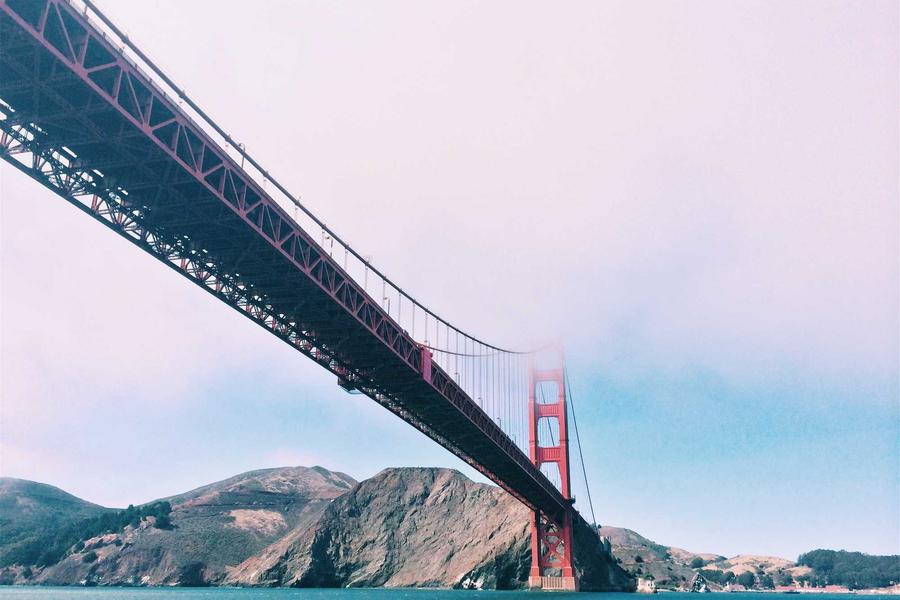
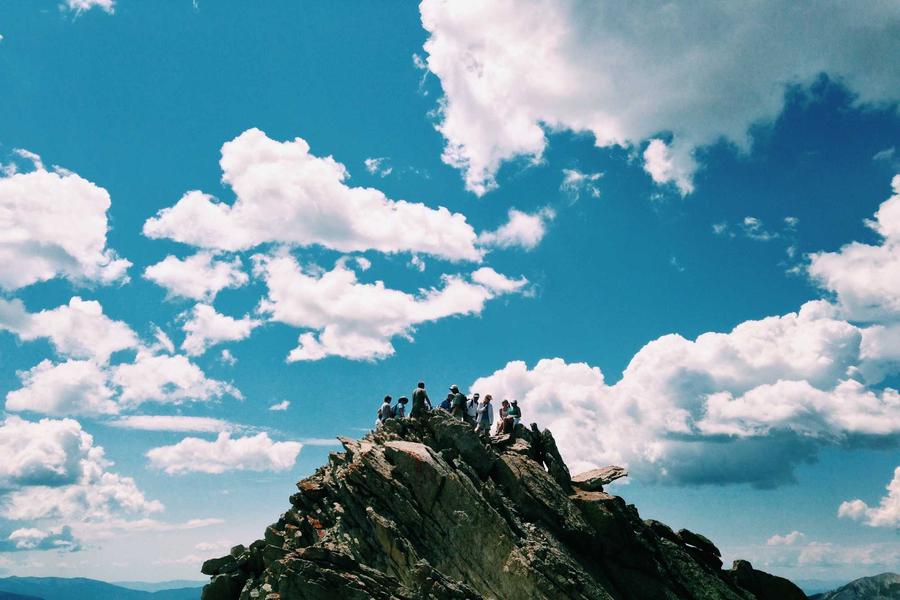
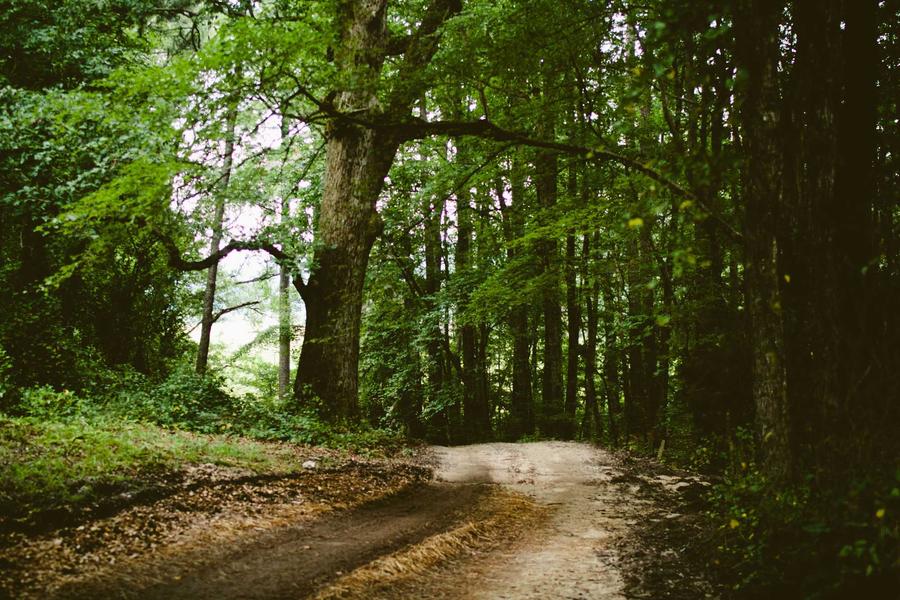
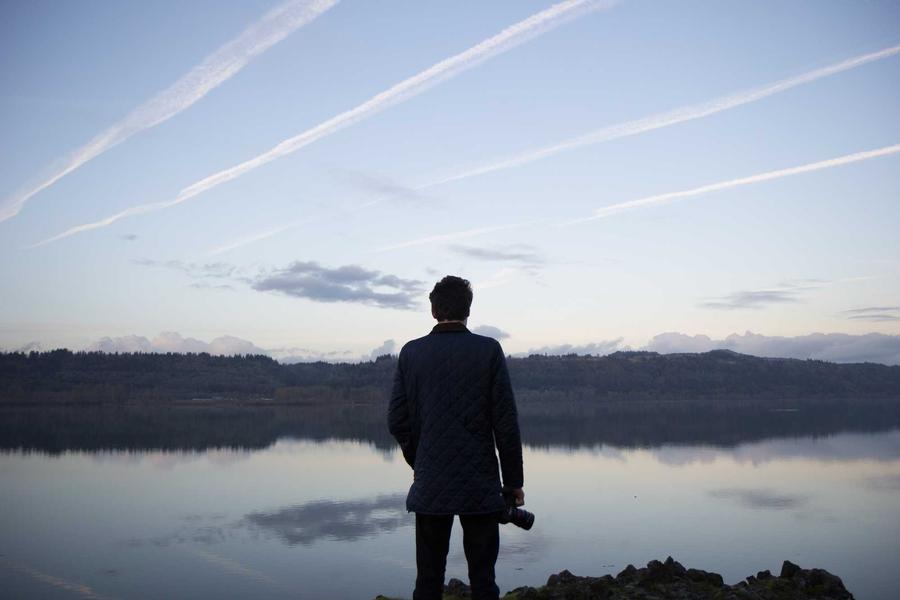
Click any image to enlarge
Storage
Custom wallpapers live in ~/Library/Application Support. Keep a copy in your dotfiles backup so a restore brings them back.
Click any frame to open it full size, then right-click and choose “Set Desktop Picture”. Every photo comes from picsum.photos and is free to use.
$ cat /comments 10
Tried this on an M1 Air and got the same numbers within a few percent.
Same here, it made a big difference.
Any chance you could share the full config in a gist? The snippet is great but I want to see the rest.
I have been doing this the hard way for years. Thank you.
Worth mentioning that this behaves differently on Intel Macs. Took me an hour to figure that out.
Try clearing the cache first, that fixed it for me.
Same here, it made a big difference.
Great post. One small correction: the flag is case-sensitive on older versions.
Followed along step by step and it worked first time, which never happens.
Does this survive a macOS point release? Mine broke after the last one.