pinned
Monochrome pack: black-and-white wallpapers for focus mode
Focus modes can change your wallpaper automatically. This pack is built for a Work focus: grey, calm, and easy on the eyes.

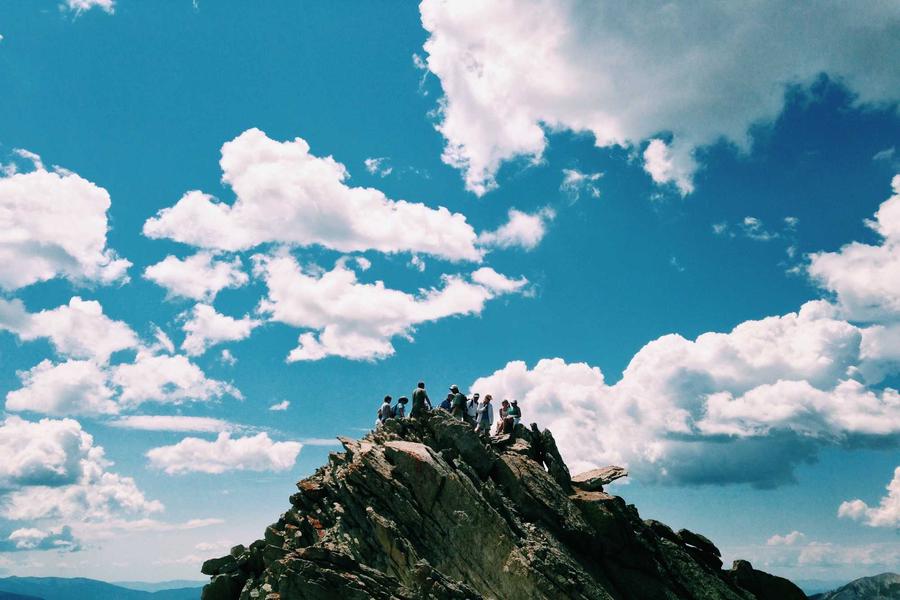


Click any image to enlarge
Automate the switch
In System Settings, open Focus, choose a focus, and add a wallpaper under Focus filters. The change happens the moment the focus turns on.
Click any frame to open it full size, then right-click and choose “Set Desktop Picture”. Every photo comes from picsum.photos and is free to use.
$ cat /comments 6
Tried this on an M1 Air and got the same numbers within a few percent.
It does, I tested it on the latest release yesterday.
Glad it helped. Let me know if anything breaks after the next update.
Any chance you could share the full config in a gist? The snippet is great but I want to see the rest.
I have been doing this the hard way for years. Thank you.
Worth mentioning that this behaves differently on Intel Macs. Took me an hour to figure that out.