Blue Hour pack: cool tones for cool-headed debugging
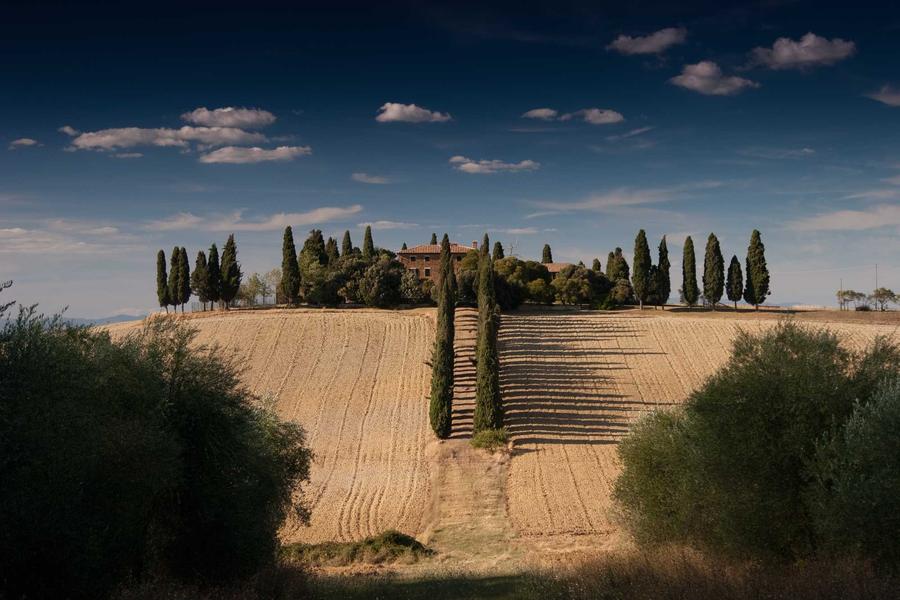
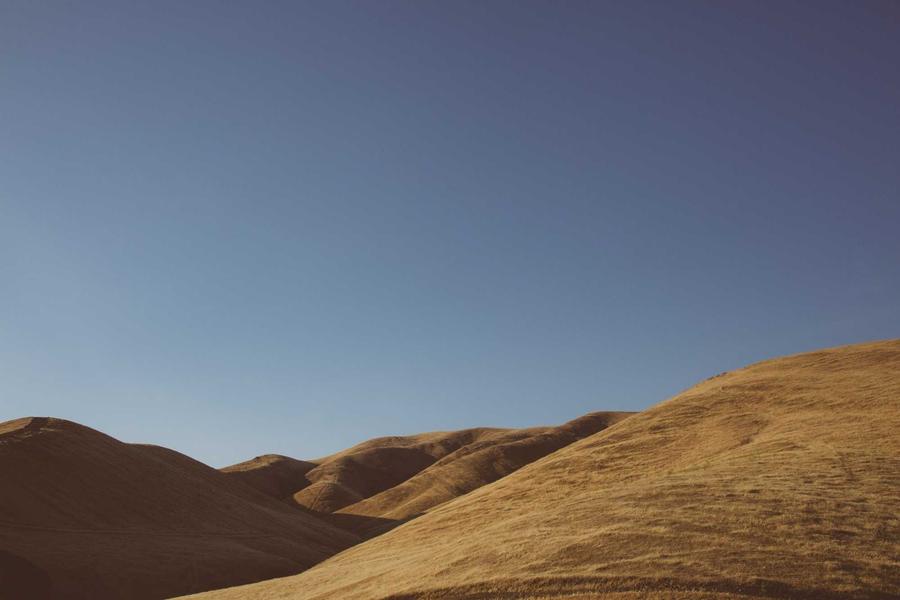
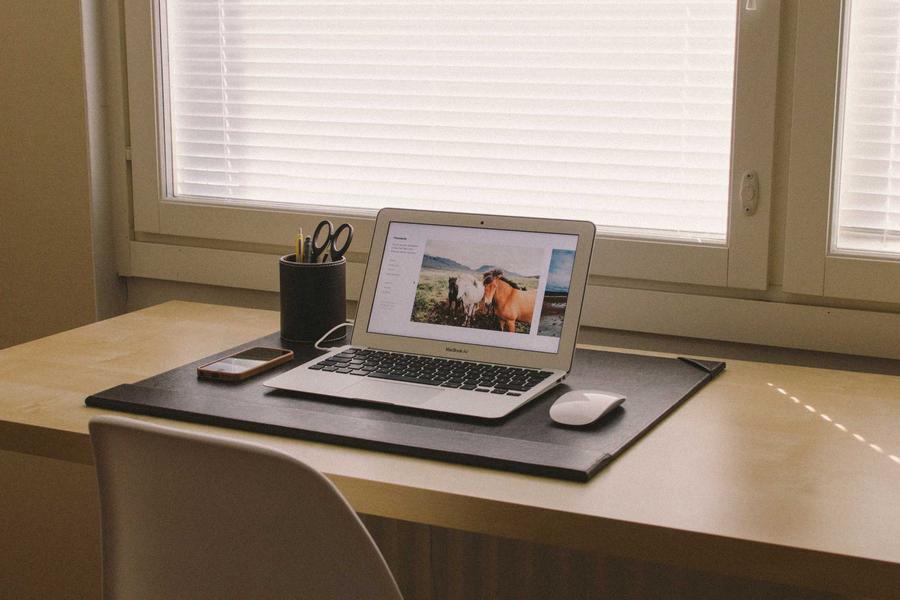
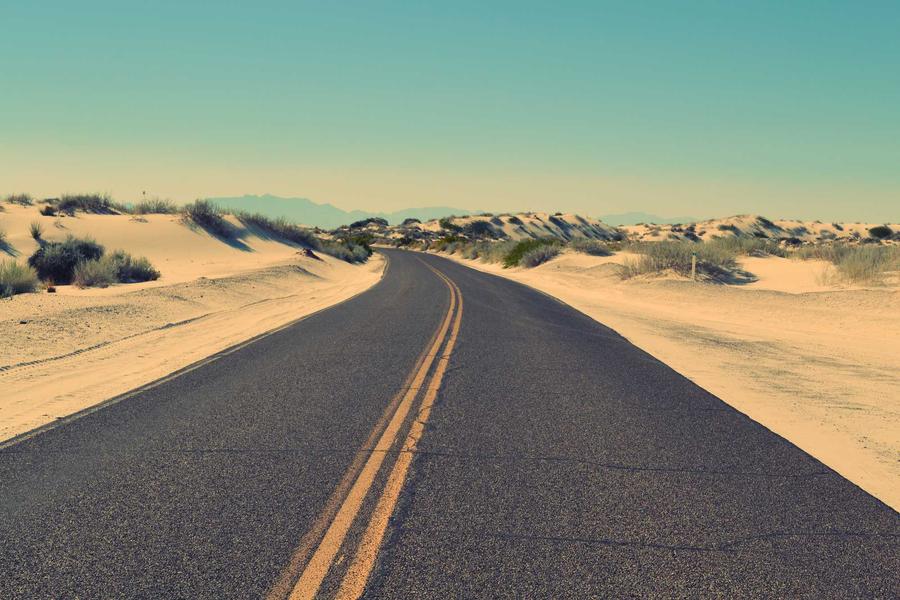
If your terminal theme leans cyan, a warm wallpaper clashes. This pack matches the cooler palettes most of us run.



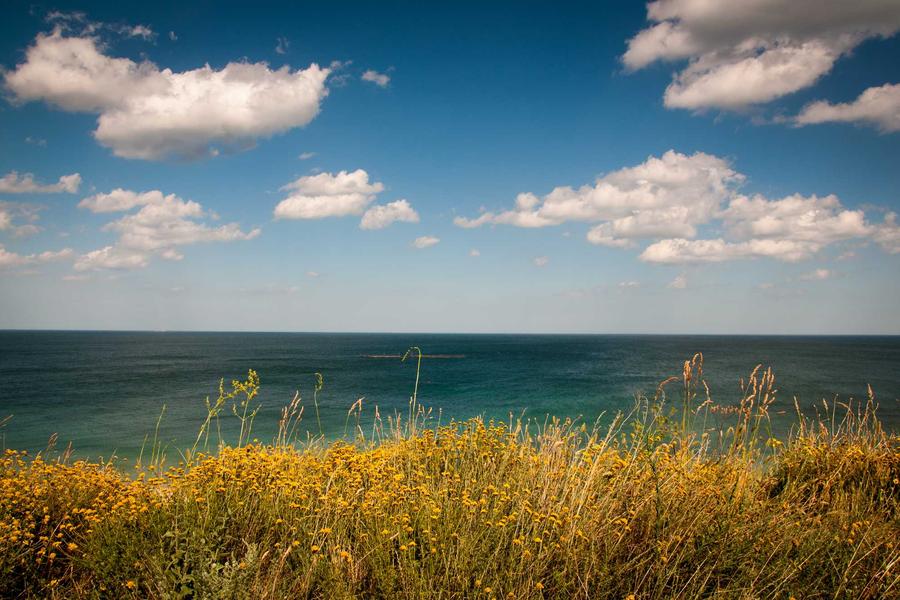
Click any image to enlarge
Match your theme
Pick the wallpaper after the terminal theme, not before. It is much easier to find a photo that suits a palette than the other way around.
Click any frame to open it full size, then right-click and choose “Set Desktop Picture”. Every photo comes from picsum.photos and is free to use.
$ cat /comments 9
Clear, short, and no fluff. More of this please.
Saved this to my dotfiles notes. The tip at the end is gold.
Counterpoint: I have had the opposite experience on a Mac mini, but my workload is very different.
How does this compare with the approach in your earlier guide?
Same here, it made a big difference.
Finally someone explains this without assuming I already know it.
Yes, it works the same way. I will add a note about it.
Good question, I would like to know too.
Nice pick. Already set it on both displays.