Low Light pack: eight quiet photos for a calmer desktop
The Low Light pack is our answer to readers who asked for something softer than the high-contrast packs.

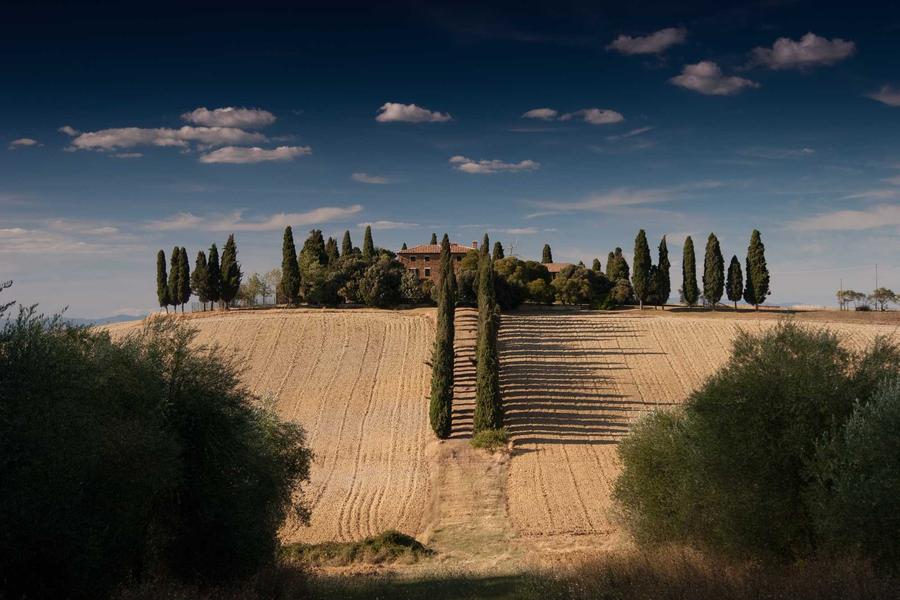

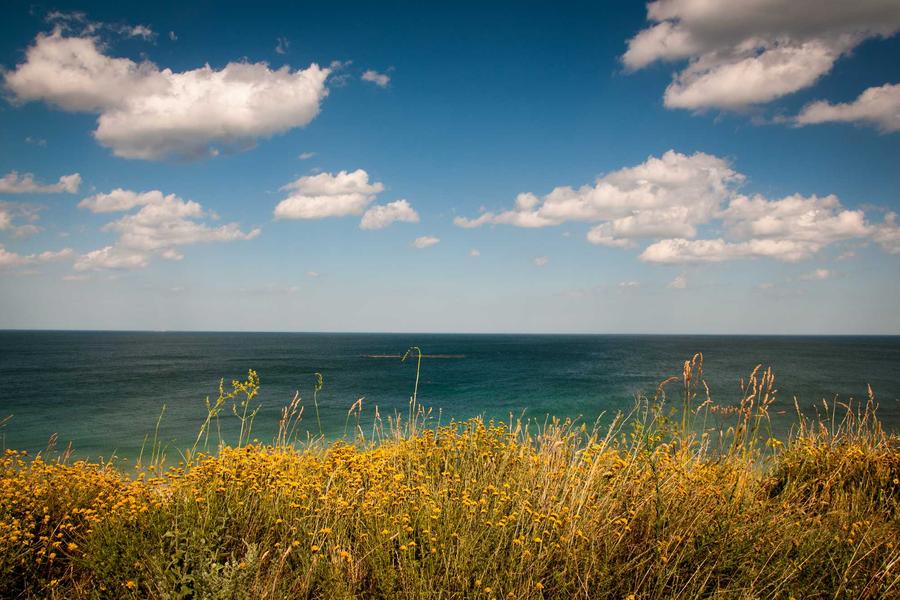
Click any image to enlarge
Dock and menu bar
We checked every frame with the Dock pinned at the bottom and auto-hide off. None of them put a highlight where the Dock sits.
Click any frame to open it full size, then right-click and choose “Set Desktop Picture”. Every photo comes from picsum.photos and is free to use.
$ cat /comments 11
Clear, short, and no fluff. More of this please.
Saved this to my dotfiles notes. The tip at the end is gold.
Counterpoint: I have had the opposite experience on a Mac mini, but my workload is very different.
Same here, it made a big difference.
How does this compare with the approach in your earlier guide?
Finally someone explains this without assuming I already know it.
Nice pick. Already set it on both displays.
Printed this out and stuck it next to my desk. Old habits.
It does, I tested it on the latest release yesterday.
Same here, it made a big difference.
Would this work with fish instead of zsh?