Dark Desktop pack: wallpapers that behave under a dark menu bar
The menu bar in dark mode is translucent, so a bright sky behind it makes every icon harder to read. This pack keeps the top of each frame dark and quiet.
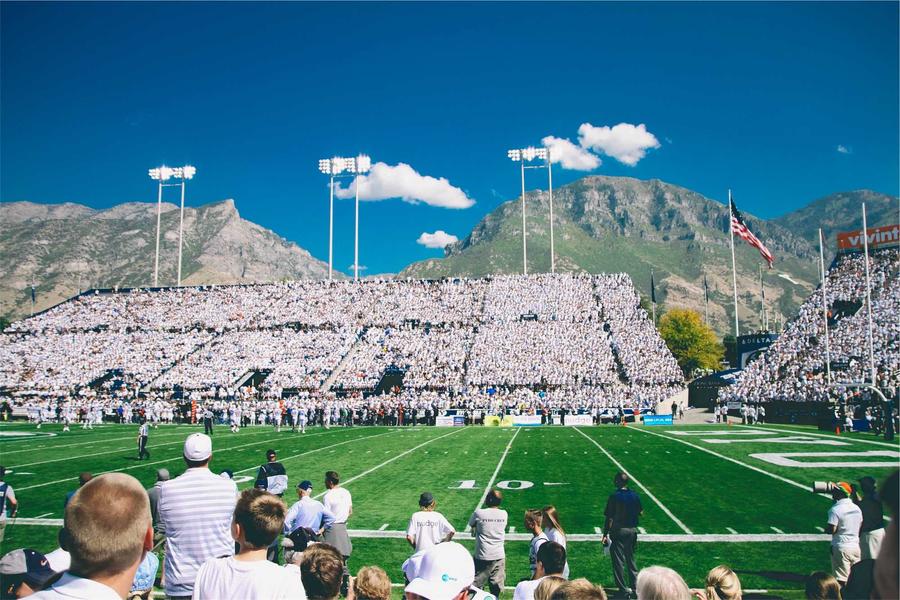
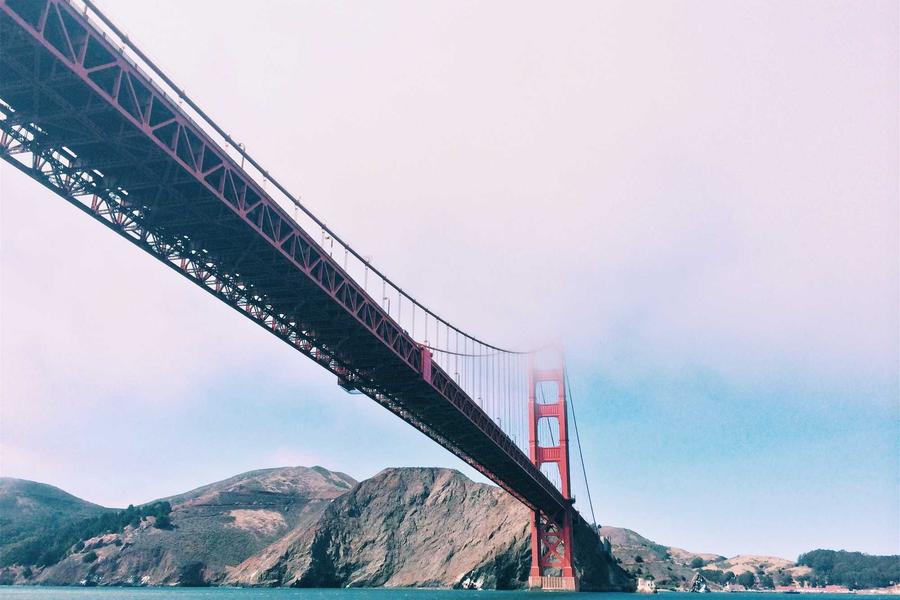
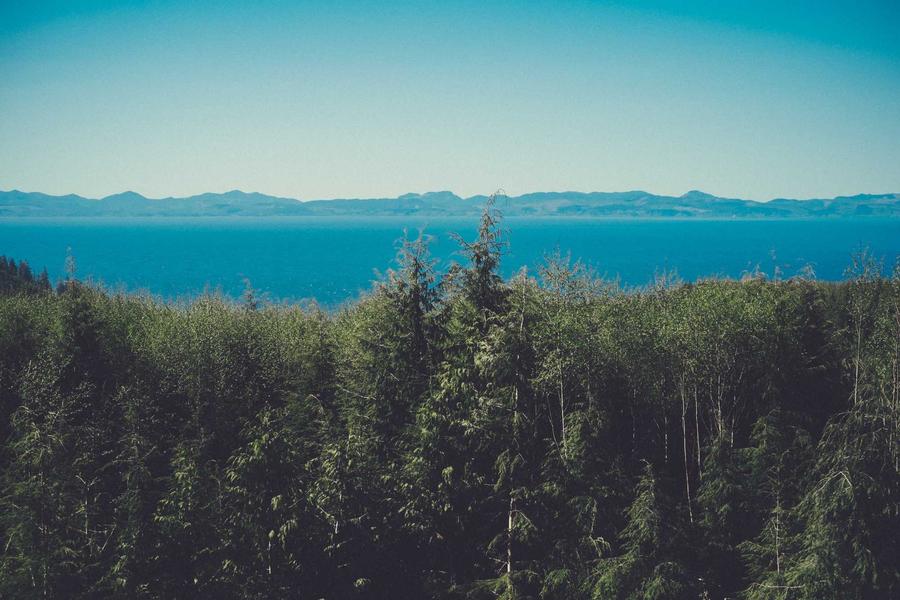

Click any image to enlarge
How we picked them
Each image was checked at the size of a 14-inch display with the menu bar showing. Anything with a bright band along the top was cut, which ruled out about two thirds of our shortlist.
Click any frame to open it full size, then right-click and choose “Set Desktop Picture”. Every photo comes from picsum.photos and is free to use.
$ cat /comments 12
Tried this on an M1 Air and got the same numbers within a few percent.
Any chance you could share the full config in a gist? The snippet is great but I want to see the rest.
I have been doing this the hard way for years. Thank you.
Worth mentioning that this behaves differently on Intel Macs. Took me an hour to figure that out.
Great post. One small correction: the flag is case-sensitive on older versions.
It does, I tested it on the latest release yesterday.
It does, I tested it on the latest release yesterday.
Followed along step by step and it worked first time, which never happens.
Does this survive a macOS point release? Mine broke after the last one.
The benchmark table alone is worth the read.
Agreed, the Intel behaviour caught me out as well.
It does, I tested it on the latest release yesterday.